Difference between revisions of "How to Backup your website"
Jump to navigation
Jump to search
| Line 4: | Line 4: | ||
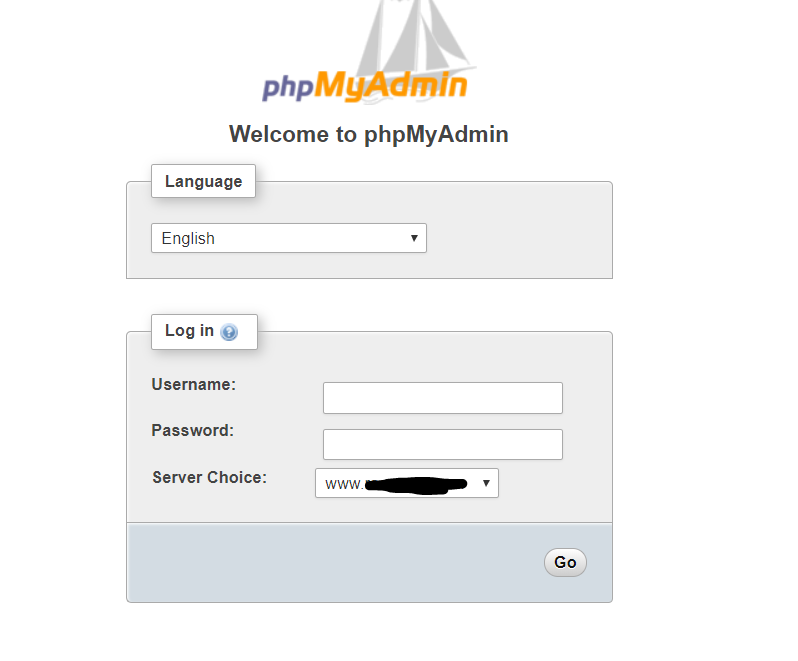
You should see a login page like this: | You should see a login page like this: | ||
| − | [[ | + | [[Media:Capture1.PNG]] |
Revision as of 10:00, 21 June 2018
Firstly ensure that you have all your logins supplied on your datasheet that was sent to you.
To backup your database simply visit your browser and type in phpmyadmin.domain.com(please note to replace the domain.com with your actual domain name). You should see a login page like this: