Plesk control panel is very similar to another well-known hosting control panel, CPanel. Plesk offers all the features that CPanel does, and more.
For detailed technical infromation about Plesk's features, see the The official Plesk Documentation.
Access your Plesk control panel
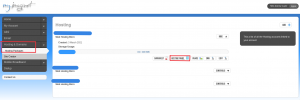
find your domain's hosting controls
Log in to MyDot and click on Hosting & Domains in the main menu.
Click on Hosting Packages and then find the domain you want to log in to in your list of hosting packages.
Click CONTROLS under your chosen domain, and then click HOSTING PANEL. You will be redirected to your Plesk control panel.
Plesk features
Websites & Domains
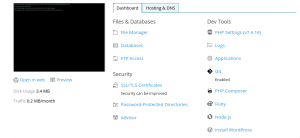
Plesk Hosting & Domains page
Applications
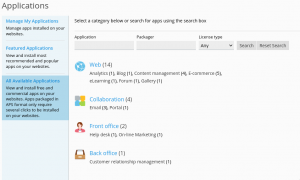
All available applications
Files
Databases
Statistics
Account
WordPress


