Changing your email password
Jump to navigation
Jump to search
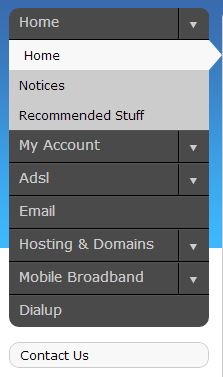
Log into http://my.imaginet.co.za/ and click on Email in the menu on the left (Fig. 1).

Fig. 1
- You will be presented with a list of domains.
- Locate your email address by scrolling to the correct domain and clicking View.
- Scroll to the address you wish to modify, and click Edit.
- Next to Passwords, click Edit.
- Enter your password into both fields. Ensure that it's the same both times. Click Save.
