Setting up forwarding and aliases
Jump to navigation
Jump to search
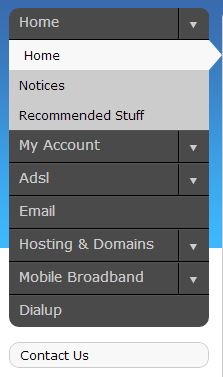
Log into MyDot and click on Email in the menu on the left (Fig. 1).

Fig. 1
- You will be presented with a list of domains.
- Locate your email address by scrolling to the correct domain and clicking View.
- Scroll to the address you wish to modify, and click Edit.
- Next to Forwards click Edit.
- If you wish emails to be delivered to both addresses, place a check next to Store Mail. If you wish mail to be delivered only to the new address, clear the Store Mail option.
- Enter the forwarding address, and click Save.
- If you experience any trouble, please give us a call on 086-111-1101 for assistance.
