Managing your DNS Records
Jump to navigation
Jump to search
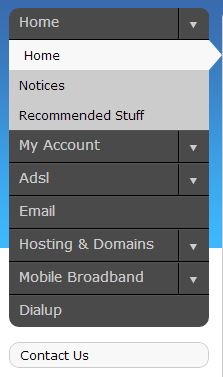
Log into http://my.imaginet.co.za/ and click on Hosting and Domains in the menu on the left (Fig. 1).

Fig. 1
Your domain names will be listed alphabetically. Scroll to the domain you wish to manage, and click Controls, and then DNS. You will see the full table of your domain's records:

